How to Choose the Right Budgeting App in 2026
The best budgeting app is the one you will actually use. Learn the key features to look for and how to match an app to your personality and goals.
 By Rohan Mehta7 min read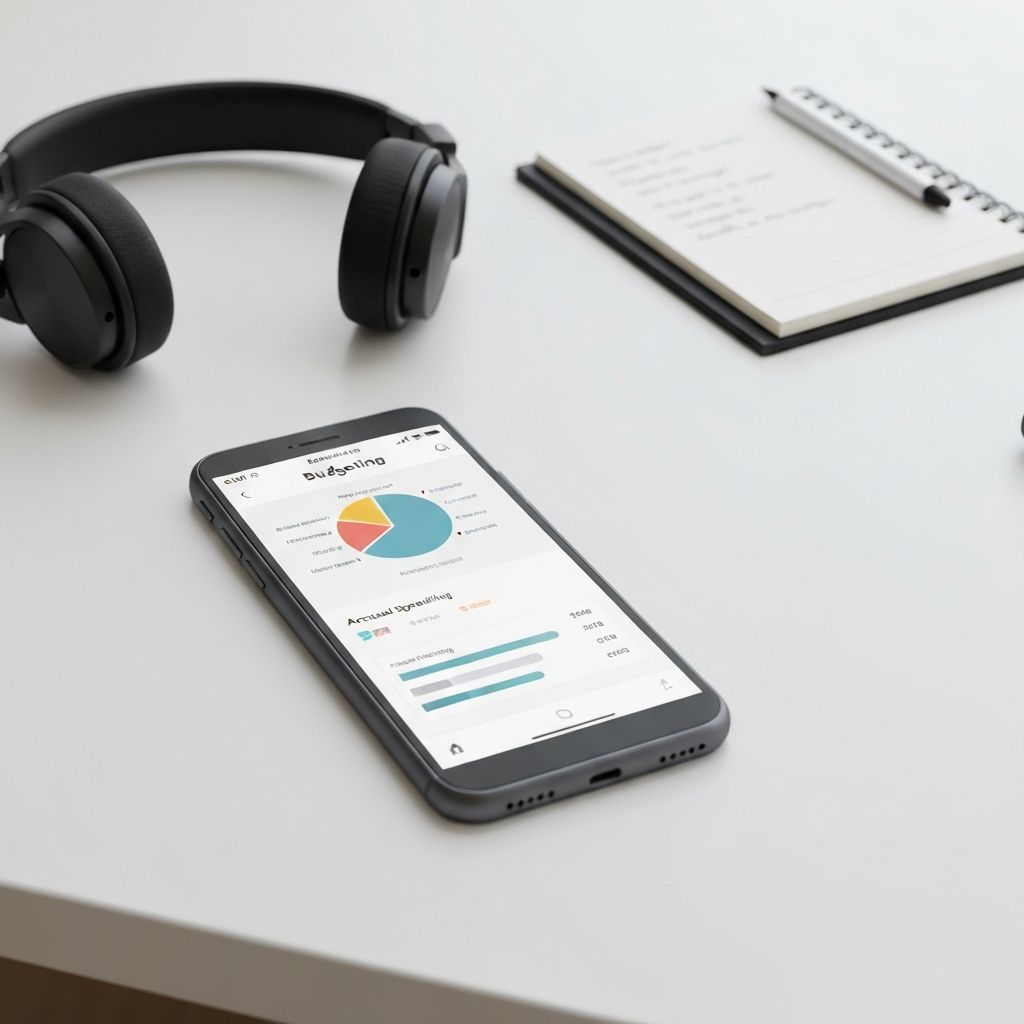
Why the App Matters Less Than You Think
People often spend weeks researching the "perfect" budgeting app and then quit using it within a month. The truth is that any reasonably good app, used consistently for 90 days, will dramatically improve your financial life. The features matter, but the habit matters far more. Pick an app that matches your personality and your willingness to interact with it, then commit to using it daily for three months.
The Two Major Categories
Automatic tracking apps connect to your bank and credit card accounts and import transactions in near real time. They're great for awareness but require less hands-on engagement. Examples include Monarch Money, Copilot, Rocket Money, and Empower.
Manual or hybrid apps require you (or you plus an automation) to enter and categorize each transaction. They create more friction, which sounds bad — but the friction is exactly what changes spending behavior. Examples include YNAB (You Need A Budget) and EveryDollar.
Key Features to Look For
Bank syncing reliability: If you go automatic, syncing must be accurate. Read recent reviews specifically about your bank.
Custom categories: A good app lets you split, rename, and create categories. "Restaurants," "groceries," and "fast food" are different things to most budgets.
Goals and sinking funds: The ability to save toward labeled goals (vacation, emergency fund, holidays) is a major behavioral driver.
Reports and trends: Monthly category breakdowns, year-over-year comparisons, and net worth tracking help you see progress.
Couples support: If you share finances, the app should support multiple users with shared categories and visibility.
Privacy and security: Look for read-only bank connections, two-factor authentication, encryption, and a clear privacy policy. Never use a budgeting app that sells your transaction data to third parties.
Cost vs free: Most worthwhile apps cost $5 to $15 a month or $80 to $130 a year. Free apps are often free because they make money from credit card and loan referrals embedded in the experience.
Match the App to Your Personality
You hate friction and just want awareness. Automatic apps that show "you spent $X on Y this month" without forcing categorization are right for you. The downside: passive awareness rarely changes behavior.
You want to actively control every dollar. YNAB-style zero-based budgeting forces you to assign every dollar a job before spending. It's more work but produces the biggest behavior change.
You're already disciplined and just want a clean dashboard. Tools like Empower (formerly Personal Capital) for net worth tracking and Monarch Money for combined budgeting plus investment tracking are excellent.
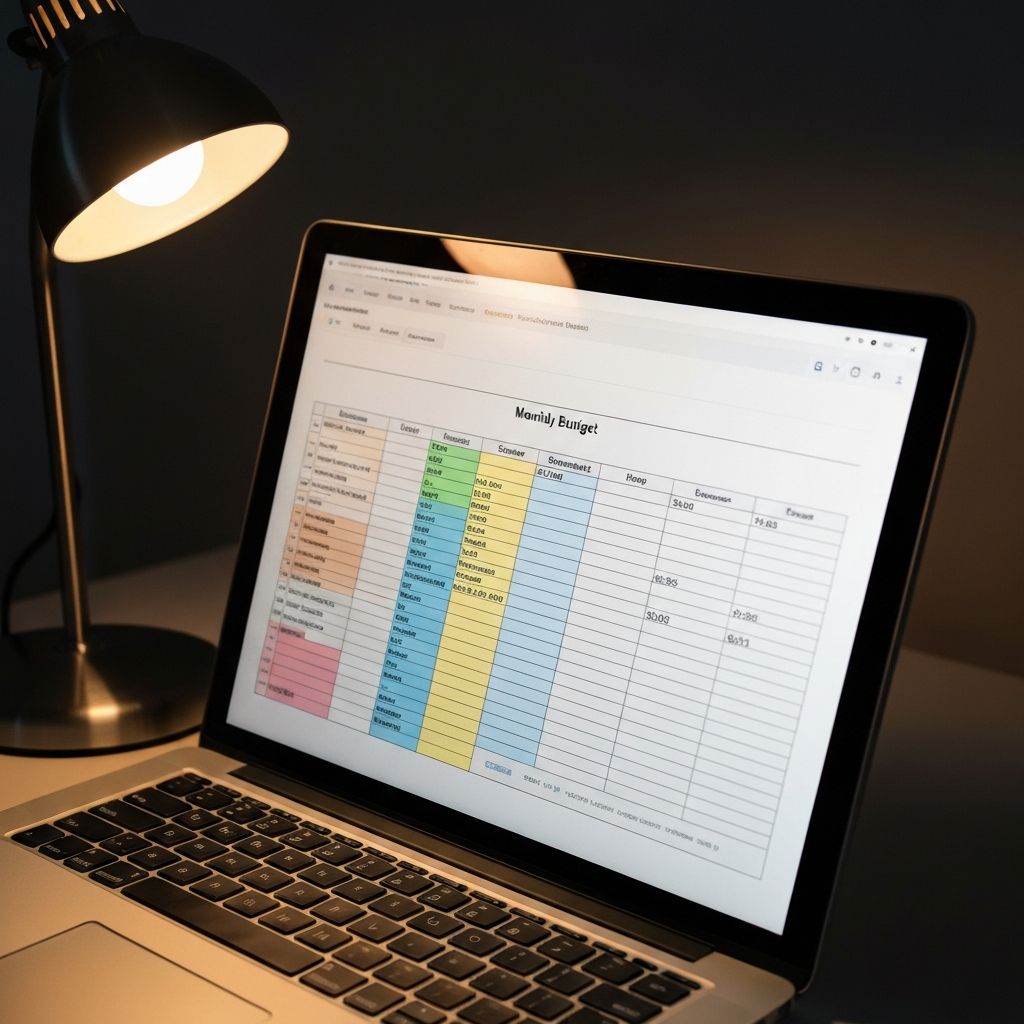
You're a spreadsheet person. Don't underestimate a custom Google Sheets template. It costs nothing, syncs across devices, and many top finance creators publish free templates that rival paid apps.
What to Avoid
Avoid apps with aggressive upselling of credit cards or loans inside the budgeting experience. The conflict of interest is obvious. Avoid apps that don't clearly explain how they make money. Avoid apps that haven't been updated in over a year — they're often abandoned. And avoid switching apps every two months hoping the next one will be the one that finally "clicks." The friction of switching usually costs you more than the new features gain.
How to Set Up Any App in 60 Minutes
- Connect or manually add your accounts.
- Categorize the last 30 days of transactions — this is the painful part. Power through it.
- Identify your top 3 to 5 categories where you tend to overspend.
- Set realistic monthly limits for those categories (use last month's actual spend as your starting point, not a fantasy number).
- Create one or two savings goals — emergency fund, vacation, or sinking funds.
- Set a recurring 10-minute "money date" with yourself every Sunday to review the week.
Common Mistakes to Avoid
Don't expect the app to fix your budget. The app shows you the truth; the changes happen in your behavior. Don't categorize at the end of the month — categorize daily or weekly while the memory is fresh. Don't track expenses without also tracking goals; the carrot matters as much as the stick. And don't compare your numbers to strangers online — your budget should reflect your life, not a stranger's highlight reel.
Final Thoughts
The best budgeting app is the one you'll actually open. If you've tried apps before and stopped, the issue is rarely the app — it's the lack of a regular check-in habit. Set a recurring weekly reminder, give it 90 days, and the awareness alone will save you more than every subscription you've ever paid for.
Editor & Lead Writer
Rohan Mehta
Writes about money the way he wishes someone had explained it to him in his twenties.
Free newsletter
Get one practical money guide every week.
No spam, no upsells, no recycled content. Unsubscribe in one click anytime.